
It is no longer as easy as selecting the first stylus pen you happen to come across on the Internet when it comes to choosing the best stylus pen for Android. With the rapid growth of digital note-taking, remote work, and mobile creativity, stylus pens have become essential tools for students, professionals, and artists alike. But, open ecosystem of Android poses one significant challenge: there is no compatibility between devices.
A good stylus pen for Android can enhance your experience by providing a more accurate input, a smoother writing experience, and control better than your fingers. The appropriate stylus will make a difference, whether you are planning to sketch or annotate documents, or find the most efficient way to navigate your phone.
This guide will demystify all that you should know about stylus pens, including how they work, and how to select the best one to use with your particular Android device.
Table of Contents
What Is a Stylus Pen for Android?
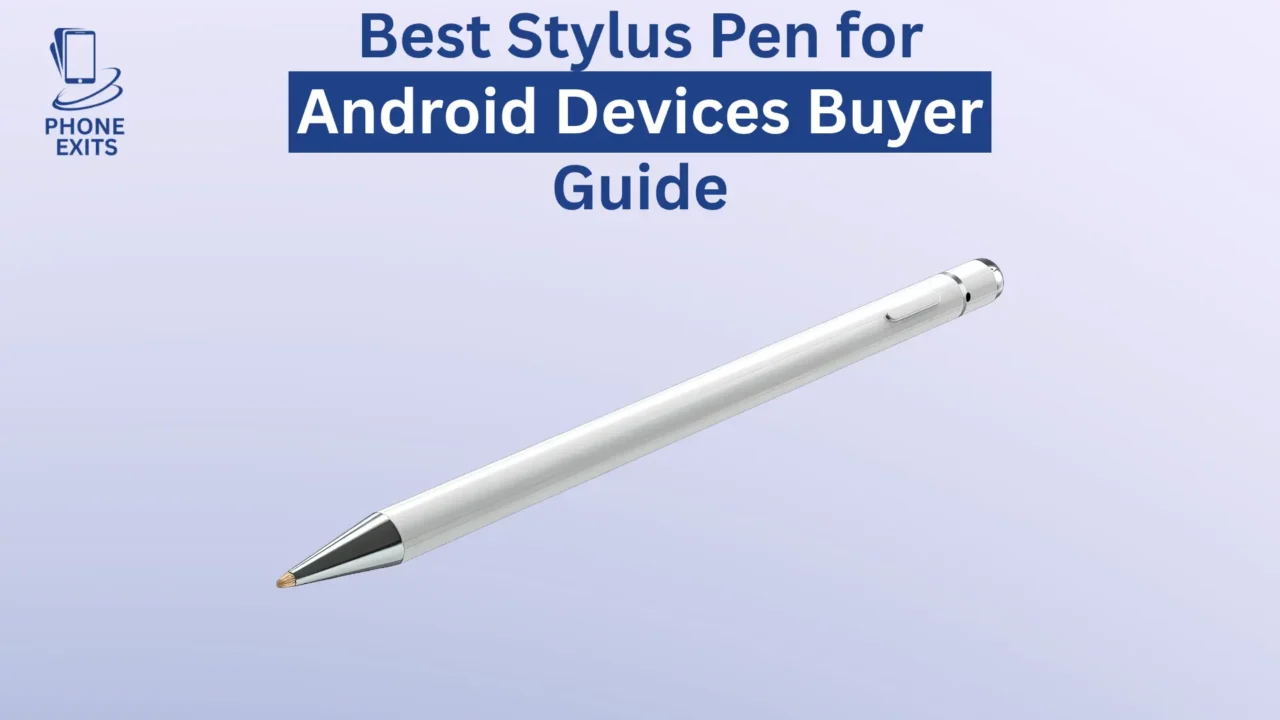
Android stylus pen An android stylus pen is a pen-like input device that can be used with a touchscreen. Tapping, swiping, writing or drawing with more precision You can use the stylus to tap, swipe, write or draw instead of using your fingers.
The primary benefit of stylus is control. On smaller screens, it may be hard to precisely tap with your finger or write neatly on smaller screens. A stylus is the solution to that issue as it provides a more precise point of contact and is suitable in terms of writing notes, drawing, and editing.
In addition to accuracy, styluses can also be used to keep the screen neater as they minimize fingerprints and smudges. This in itself can greatly enhance usability to users who spend hours using their machines.
Types of Stylus Pens for Android
It is important to know the various types of stylus pens since they will offer an entirely different experience. One of the most frequent errors that users commit is that of choosing the wrong type.
Capacitive (Passive) Stylus
The most compatible and easiest is a capacitive stylus. It operates by replicating the electrical characteristics of your finger, which enables it to communicate with any typical touchscreen.
Due to this fact, capacitive styluses are compatible with practically all Android devices without necessarily any setup or pairing. They also do not require batteries and are convenient and free of maintenance.
But, this simplicity is expensive. Capacitive styluses are imprecise, have more bulbous ends, and cannot be used with more advanced features, such as pressure sensitivity or palm rejection. Consequently, they would be most appropriate in simple work like scrolling, tapping or simple note taking.
Active Stylus (Bluetooth or Rechargeable)
Active styluses are a great improvement of passive models. These styluses have inbuilt electronics, which enable them to interact better with your device.
The outcome is far more realistic and reactive experience. Active styluses can have a fine tip and are therefore appropriate when writing and drawing. Palm rejection also features on many models, which means that you can rest your hand on the screen when using the stylus.
More complex active styluses have pressure sensitivity, providing more expressive input, particularly with artists. These styluses will however need power and thus you will need to either recharge them or change batteries now and then.
The active stylus provides optimal performance and cost to most users.
EMR Stylus (Electromagnetic Resonance)
EMR styluses are regarded as the gold standard stylus technology in Android devices. EMR pens do not have to use batteries as compared to active styluses. They instead extract energy straight to the screen of the device by use of electromagnetic fields.
This enables a very smooth and natural writing experience. EMR styluses are pressure sensitive, frequently in excess of 4000 levels, and are used in detailed drawing and professional design work.
Some products like some of the expensive tablets are EMR technology-enabled and thus enable a paper-like experience. But this technology is restricted to certain gadgets, implying that it cannot be exploited by all Android users.
How to Choose the Best Stylus Pen for Android
To choose the most suitable best stylus pen for Android, price or design will not be enough. There are various technical considerations that have direct influence on performance and usability.
Understanding Compatibility
The most crucial factor is compatibility. Android devices are available in a wide variety of hardware, not all of which are capable of supporting advanced stylus input.
Prior to the purchase of a stylus, you must ensure that your device compatible with active or EMR styluses. Otherwise, the stylus will not support capacitive options, no matter how sophisticated the stylus itself is.
A lack of compatibility can be a disappointing experience, as most users purchase feature-rich stylus only to find out that the features do not work on their device.
Evaluating Precision and Tip Design
It is important to be able to write, or draw with a precision with which you are sure to do your work. The fine tip of the stylus gives the better control and enables more detailed input.
The smaller the tip used the better the handwriting and the more precise the sketch. On the other hand, heavier tips may be cumbersome and restrict your capability of undertaking finer tasks.
Importance of Pressure Sensitivity
Sensitivity to pressure is a feature that defines the behaviour of your stylus under various amounts of force. As an illustration, the tougher the stroke, the thicker the lines become, whereas the lighter one presses, the thinner the lines become.
It is a critical aspect of artists and designers because it can be more expressive and natural to draw. Although it is not crucial to an average user, styluses with high pressure sensitivity should be given a priority to everyone who is interested in a creative work.
Role of Palm Rejection
Another important characteristic to serious users is Palm rejection. In its absence, your phone can take unwanted touches when you place your hand on the screen.
Palm rejection styluses enable you to write or draw on the stylus like on paper. This significantly enhances the experience and makes it less frustrating.
Battery Performance and Charging
In the case of active styluses, battery life is a factor. A stylus with a low capacity may cause disruptions in your work and become cumbersome when its power goes off.
Stylus nowadays are frequently charged via USB-C and have extended battery life, which makes them more trustworthy in everyday use. Another added feature is fast charging like apple watch charger which is advantageous to users who use their stylus during the day.
Build Quality and Ergonomics
A stylus ought to be comfortable in your hand particularly when you are using it over a long period. Weights, grip textures and design in general can affect usability.
The stylus you will use must be designed so that it improves not only comfort, but also control, enabling you to work more effectively.
Best Stylus Pen for Android (Top Picks by Use Case)
When searching for the best stylus pen, it’s important to consider how you plan to use it rather than focusing on a single “best” option.
Best Stylus for Everyday Use
An active stylus is the most appropriate to balance the use in general activities, such as browsing, taking notes and performing some editing. It offers better accuracy compared to capacitive models, but is also relatively inexpensive.
Best Stylus for Drawing and Creative Work
High pressure sensitivity and tilt functionality in the styluses should be the top priority of artists. The best in this case are EMR styluses which are highly accurate and responsive.
Best Budget Stylus Pen
If you’re looking for an affordable solution, capacitive styluses are widely available and compatible with all devices. They are not sophisticated, but adequate to carry out light tasks.
Best Stylus for Students and Note-Taking
Styluses provide students with smooth writing capabilities, long battery life, and palm rejection. Active styluses are especially particularly good at this, since they offer a natural writing experience without needing an expensive device.
Stylus Compatibility Across Android Devices
Android is diverse, and this is one of its features, and stylus support is not an exception.
Premium Devices with Built-In Stylus Support
Android high-end devices may have an inbuilt stylus, providing an easy-to-use functional experience with sophisticated features. These devices are most suitable and offer the best overall experience to those users who are heavy stylus input users.
Tablets with Stylus Standards
Some Android tablets are compatible with standardized stylus technology, enabling more compatibility between devices. Such tablets can be more reliable than smartphones.
Standard Android Phones Without Stylus Support
Android phones used cache procedure to store data but do not have special hardware to support stylus input. The use of capacitive styluses is only possible in such situations, and they do not have advanced features and are simple in usage.
Stylus Pen for Android vs iPad Stylus
When comparing Android styluses to other ecosystem styluses, it is important to note some major difference in practice.
Android is flexible and has many options, but they are at the expense of consistency. A stylus should be chosen by users with caution and it should be compatible with a device.
Other ecosystems, by contrast, are a more uniform experience, with styluses specific to a small set of devices. Although this guarantees compatibility it tends to be more expensive and less options are available.
Common Problems with Stylus Pens on Android
Stylus pens have some drawbacks though they are advantageous.
The most widespread are compatibility issues that can cause either a lack of features or bad performance. Poor quality styluses can also have lag or poor input, and therefore can be less effective.
Moreover, the palm rejection is not available in basic styluses and this can be a problem when writing or drawing. These problems make it clear that the selection of the appropriate stylus to your device and requirements is crucial.
Tips to Improve Your Stylus Experience
In order to maximize your stylus use, you should make use of optimal settings as well as best practices.
Apps that support stylus entry can be of great use, especially in taking notes and drawing. Charging your stylus keeps your stylus running continuously, and replacing damaged tips keeps your stylus accurate.
The touch sensitivity of your device can also be adjusted to enhance responsiveness, making your stylus feel more comfortable and effective.
FAQs About Stylus Pen for Android
Can any stylus work on Android?
The majority of Android products allow using capacitive styluses, though more advanced functions may need compatible hardware.
What is the best stylus pen for Android?
The optimal choice will be based on your gadget and the purpose. Active styluses suit the needs of most users and EMR styluses are best used when engaging in creative work.
Do I need Bluetooth for a stylus?
Advanced features like shortcuts and greater input capabilities only require Bluetooth.
Is a stylus good for drawing on Android?
Yes, and as long as your device has active or EMR stylus input. In the absence of such support, one will be restricted in attracting performance.